A friend remarked on artistic creativity and suggested that an artist can be freer when working with analogue tools than with digital ones. Many people have ideas about this, without really knowing what it’s like to draw and paint digitally. For me, it’s not about deciding whether it’s better to paint with real, analogue watercolours – every way to paint or create art has its own benefits and its own way of being digital watercolour creative. To me, it’s a matter of what one likes to work with and also how the result will be used. When I know a drawing will end up in print or digital publication, I might as well work digitally from the start so I can better control the quality. But others have different ways of creating drawings, and I think part of the creative work is to find methods that suit you and give you the result you want.
Anyway, I started painting eyes to show how I work also with “digital-analogue tools”. Note: I just painted my inner image of what eyes look like; I didn’t look at any photo.
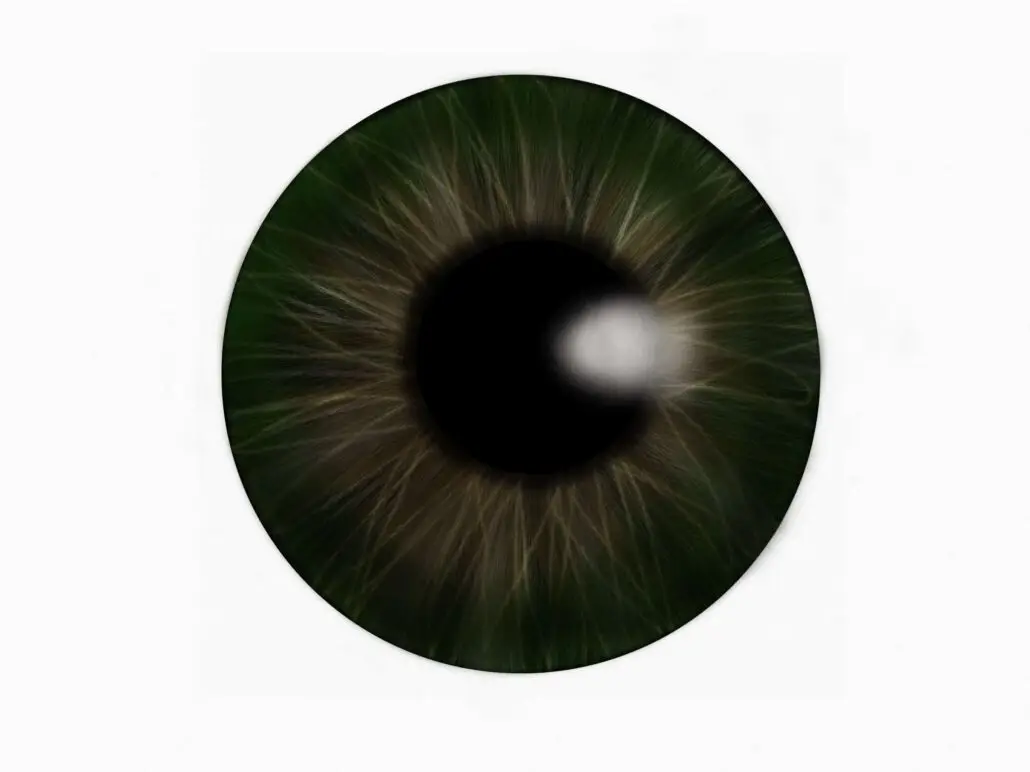
This is the first eye I painted. I used Tayasui Sketches on my iPad Pro. I had no limits to how I could use the digital tools; I used many kinds of brushes, shapes, layers and blending effects.
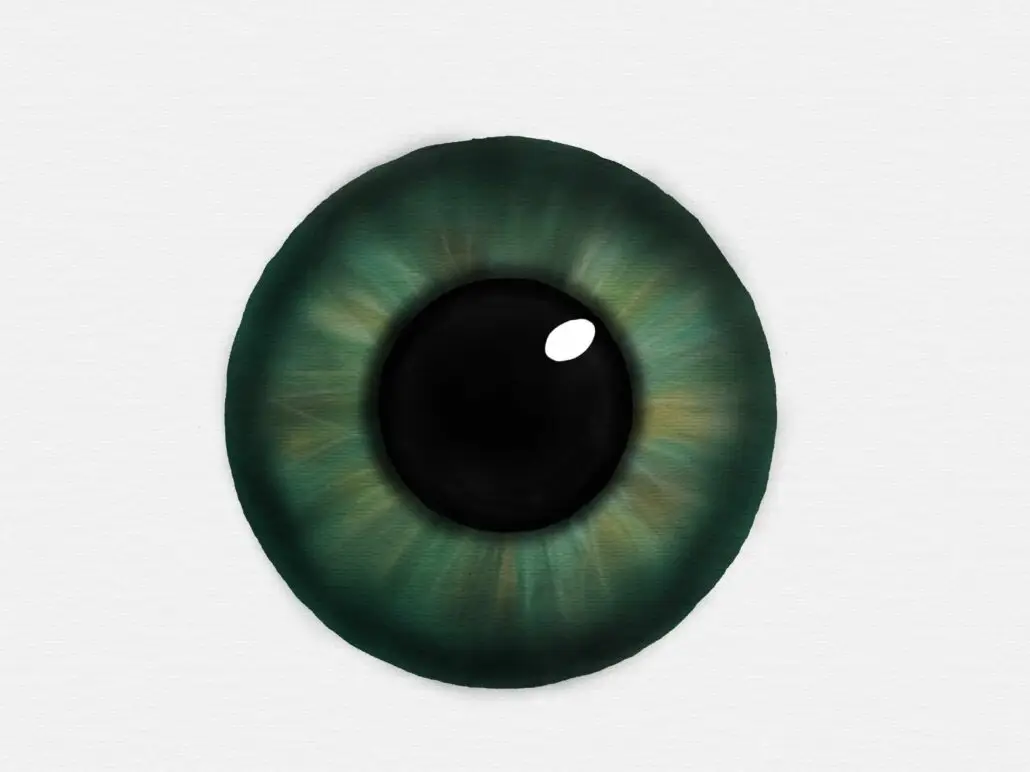
I really tried to work in an analogue way with Tayasui Sketches. I used wet watercolours and let the colours blend until the digital paint was ”moist”. Then I added some details to the dry paint. I worked in only one layer.
But, it was challenging to get the pupil black enough, and I couldn’t stand that the shape of the eye wasn’t a circle, so I gave up my ambitions and used a circle shape so that I could erase the edges until the eye became a circle, and I added a black circle as the pupil. And yes, that means I added a layer to this otherwise “analogue digital painting”.
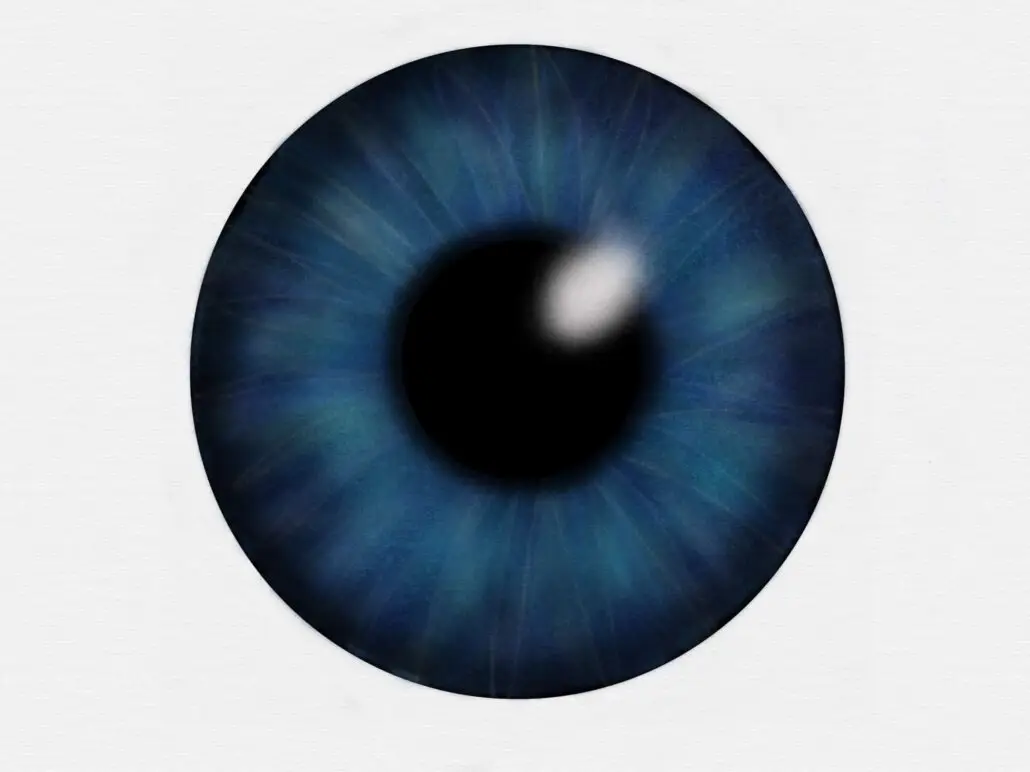
I couldn’t help myself; once I started painting eyes, I had to do one more… This one is made in Tayasui Sketches using the digital airbrush tools, shapes and layers.
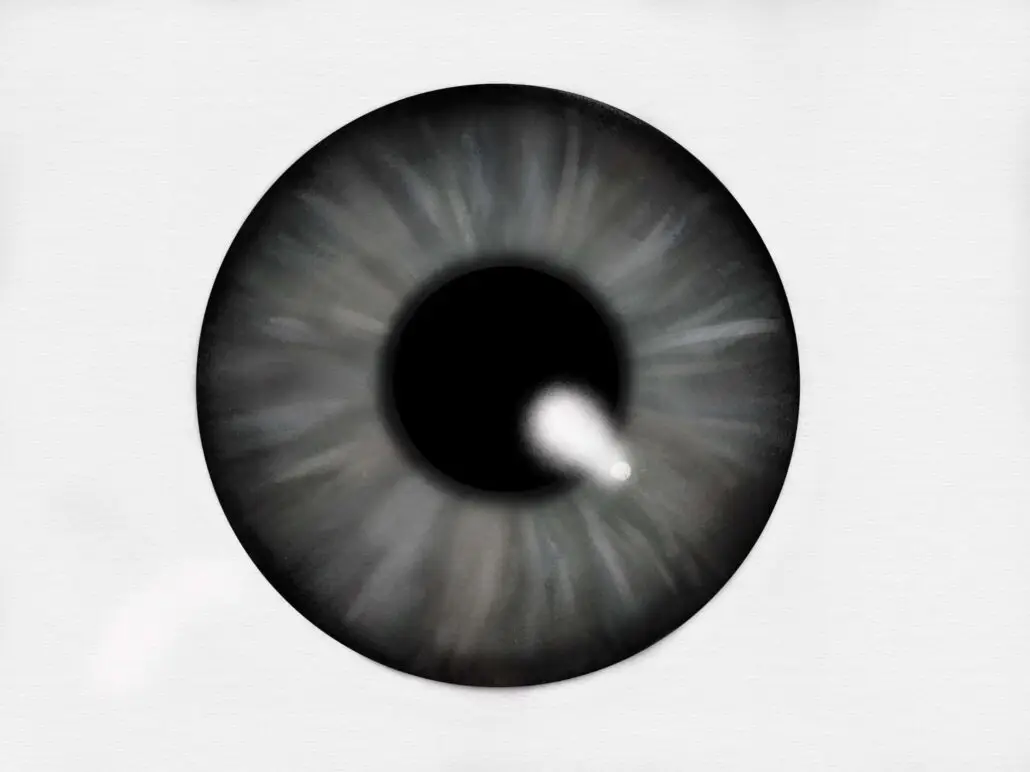
I told myself I shouldn’t paint any more eyes, but then I got the idea to try it in ArtSet. ArtSet is digital, of course, but it is so analogue that it’s almost annoying. No layers. You can’t change the size of the brushes, except for the oil paint – there you get a set of brushes and can choose how thick you want the paint to be. The paint-blending tools are a bit clumsy to use.
I really tried hard to paint this eye, but in the end, I couldn’t stand the imperfect shape, and also, the paint looked smudgy and flat. So, again, I opened the image in Tayasui Sketches, worked on the shape, used an airbrush to soften the smudgy paint, added a black shape for the pupil, and, of course, used layers.
So, would it be more creative to use analogue tools? I did think about painting an eye with real, analogue watercolours, but just the thought of it makes me feel trapped in something I don’t like. I am a digital girl (eh, woman, I am 55 actually) and digital tools feel more easy and natural for me to use.
I think every artist can best express their creativity with the tools they prefer. Simple as that.